How to Optimise Your AI Receptionist Greeting (The "Short & Sweet" Guide)
You have 3 seconds to make a good impression. Learn the proven formula for AI receptionist greetings that convert callers into customers.
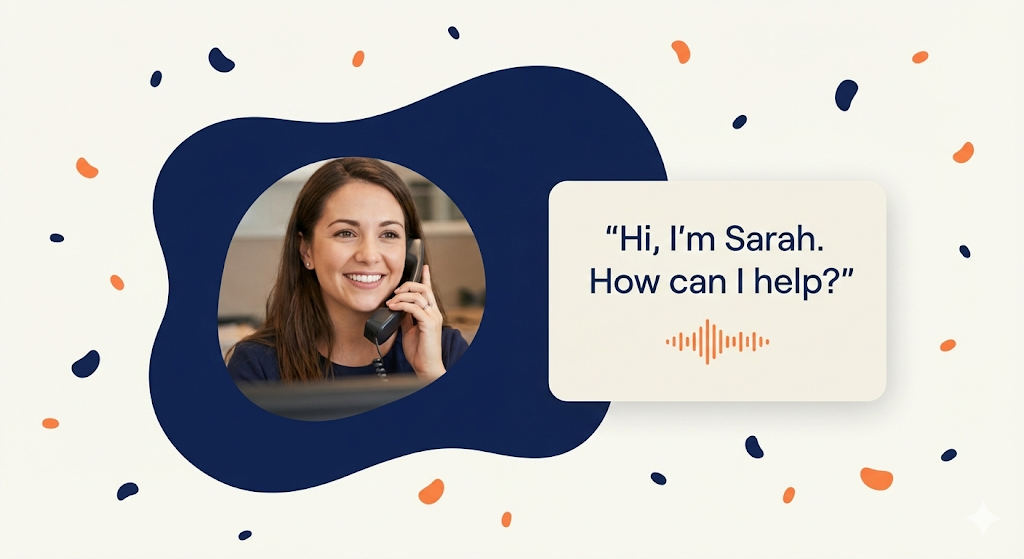
How to Optimise Your AI Receptionist Greeting (The "Short & Sweet" Guide)
You have about 3 seconds to make a good impression.
That is how long you have to convince a caller that you are a professional business worth their time, and not a scammer or a "dead" line.
Most businesses get their AI greeting wrong. They either leave the default robotic setting (*"You have reached... the subscriber..."*) or they write a script that is essentially a lecture (*"Thank you for calling, our website is www dot..."*).
In 2026, the best AI greetings are Short, Human, and Helpful.
Here is the 3-step formula to optimizing your Overtime.Talk greeting for maximum conversions.
---
The Golden Rule: The "Breath" Test
Read your greeting out loud. If you have to take a breath in the middle of it, it is too long.
AI is conversational. You want the customer to start talking immediately, not listen to a menu. Keep it punchy.
Step 1: The Name Game (Crucial)
In your Overtime.Talk dashboard, you can name your AI agent. Do not skip this.
Giving your AI a human name (like "Sarah," "Tom," or "Emma") changes the psychological vibe of the call.
- •"The Virtual Assistant" feels like a piece of software.
- •"Sarah" feels like a team member.
Pro Tip: Choose a name that fits your brand.
- •*Legal/Corporate:* "James" or "Elizabeth" (Trustworthy, classic).
- •*Salon/Creative:* "Bella" or "Sam" (Friendly, approachable).
Step 2: The "Context" (Managing Expectations)
This is controversial, but essential: Admit you are an AI.
If you try to trick people into thinking you are human, they will feel "uncanny" when you reply instantly. If you tell them you are a digital assistant, they will speak clearly and forgive small mistakes.
Step 3: The "Open Door" (The Ask)
Don't give them a menu ("Press 1 for Sales"). Give them an open floor.
- •❌ Bad: "I can book appointments, take messages, or answer queries..." (TMI).
- •✅ Good: "How can I help you today?"
---
📋 Copy & Paste Scripts for Your Industry
Here are 3 optimised scripts you can paste directly into your Overtime.Talk dashboard today.
1. The Trade Pro (Plumber, Electrician, HVAC)
*Goal: Speed and Trust.*
"Hi, thanks for calling [Business Name]. I'm Harry, the automated assistant. How can I help you today?"
For trades, you can also set up an automated booking system for plumbers that works alongside your greeting to convert calls into confirmed jobs.
2. The Clinic (Dentist, Physio, Salon)
*Goal: Warmth and Calm.*
"Welcome to [Clinic Name]. I'm Sophie, the digital receptionist. What can I do for you?"
See how an AI receptionist for your salon or clinic handles appointment requests with this warm, professional greeting style.
3. The Professional (Short & Sharp)
*Goal: Efficiency.*
"Hello, this is [Company Name]. I'm the AI assistant. Go ahead, I'm listening."
Plumbers can see how Overtime handles real plumbing calls with this straightforward, professional greeting approach.
---
Final Tip: Test It on Your Mum
Seriously. Set your greeting, then call your own business line.
If you feel awkward speaking to it, your customers will too.
If it feels like chatting to a helpful assistant, you've nailed it.
Ready to sound professional?
[Update your Greeting in Overtime.Talk now]
Ready to Transform Your Business?
Join the waitlist and be among the first to experience AI-powered phone answering.
Join the Waitlist